The ERGRUN Gym License
Bring the race to your gym.
Every erg in your gym live on your TV, every class run from your phone, and every member's effort saved to their ERGRUN record. One small box, the ERGRUN Race Hub, does the hard part.

01Your community
The ERGRUN night, every week.
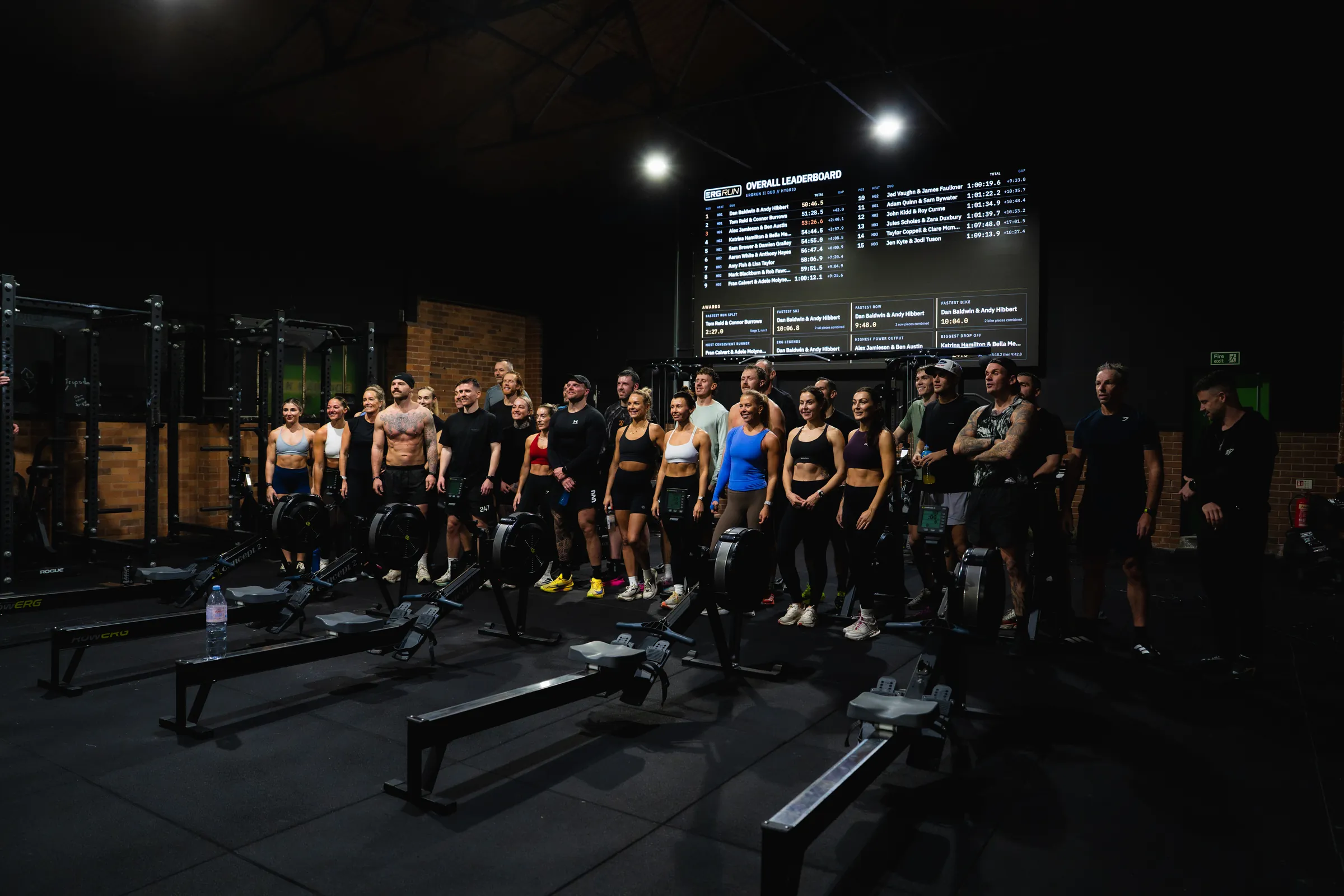
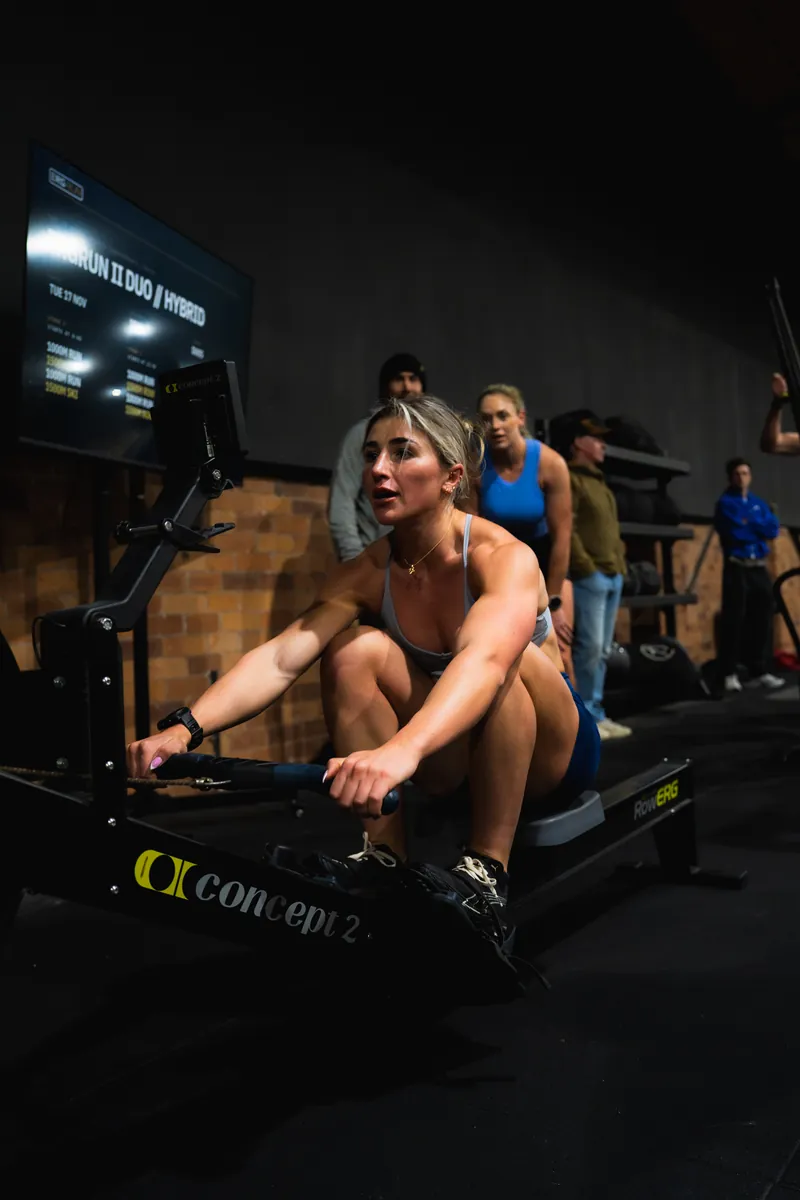
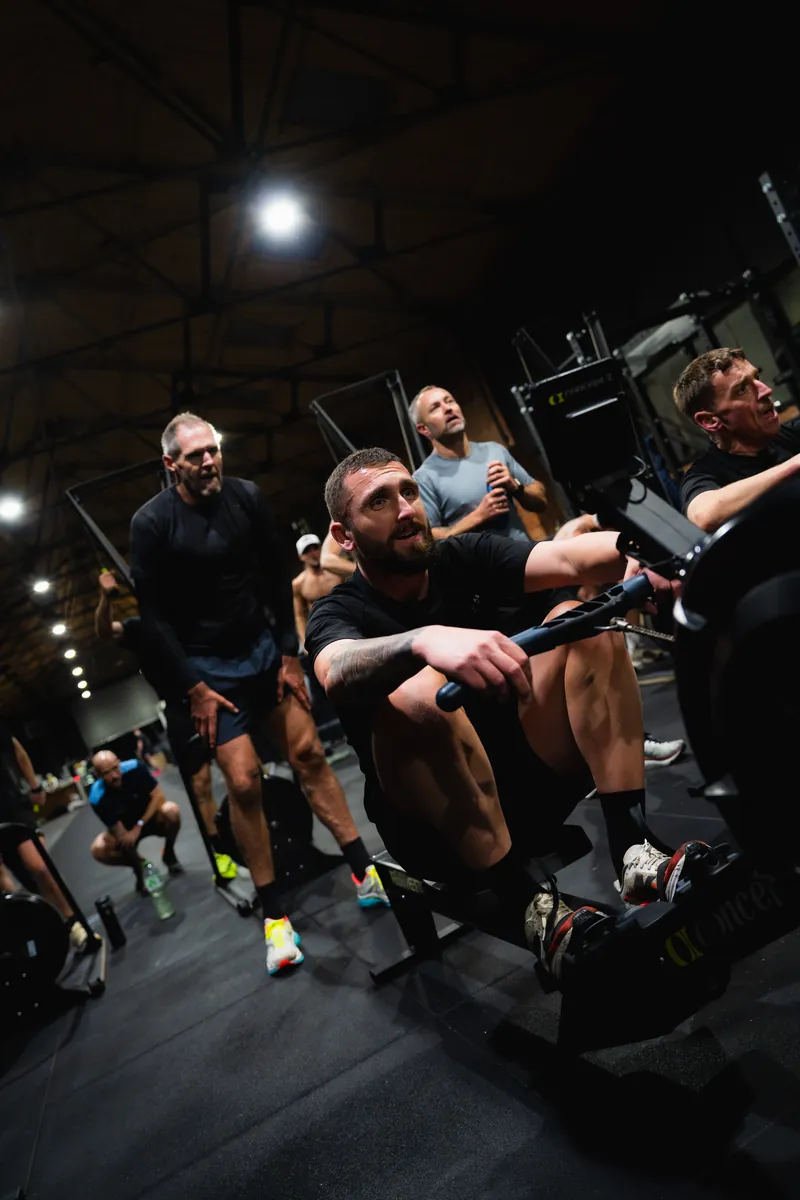
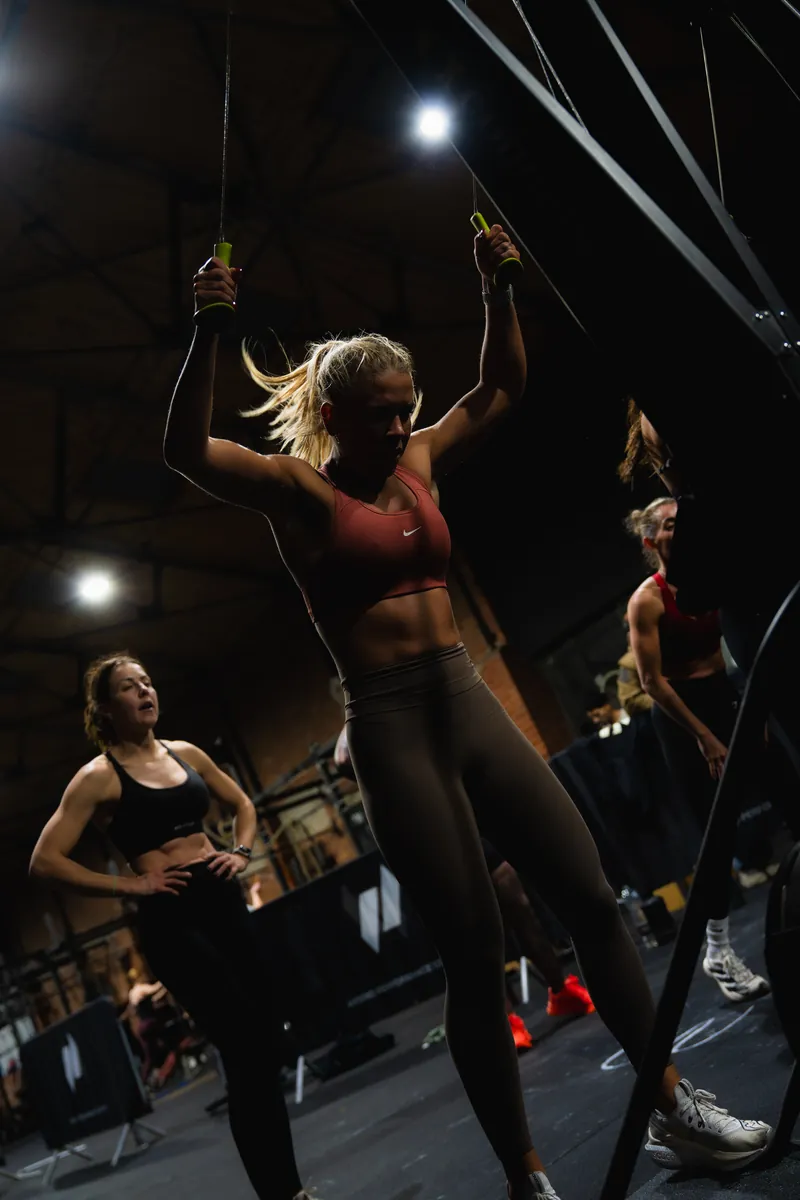
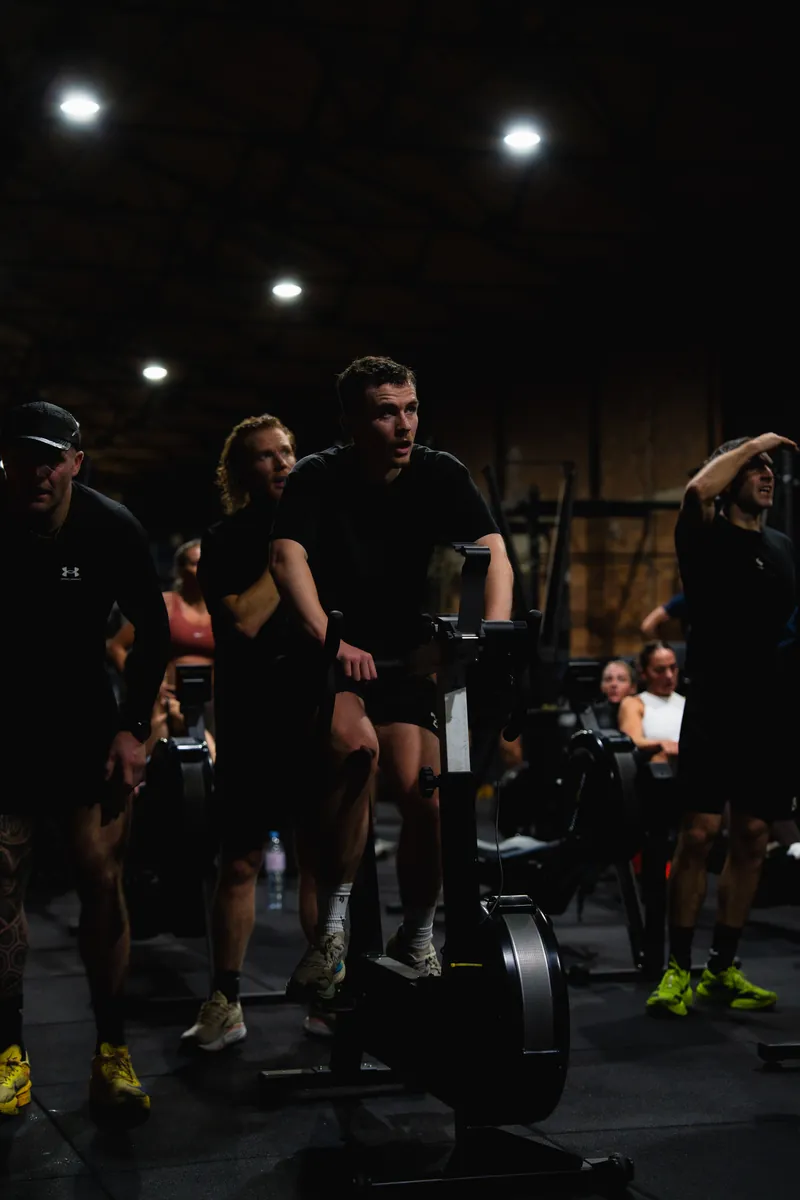
These are real ERGRUN nights. The same screens and timing run your classes, so members push each other on, cheer each other home and see their own numbers move week to week.
Everyone on the screen
Every member gets their own lane on the TV, from first class to fiftieth. Nobody trains on their own.
Better every week
Each result goes on their ERGRUN record, so members see what they did last time and what they did today.
Your gym, together
Class targets and team sessions give the whole room something to share.
02Session types
A session for every day.
Steady pieces, intervals, team totals and the odd all-out finish, all built and tested by ERGRUN. Watch how the screen changes as each kind of session runs.
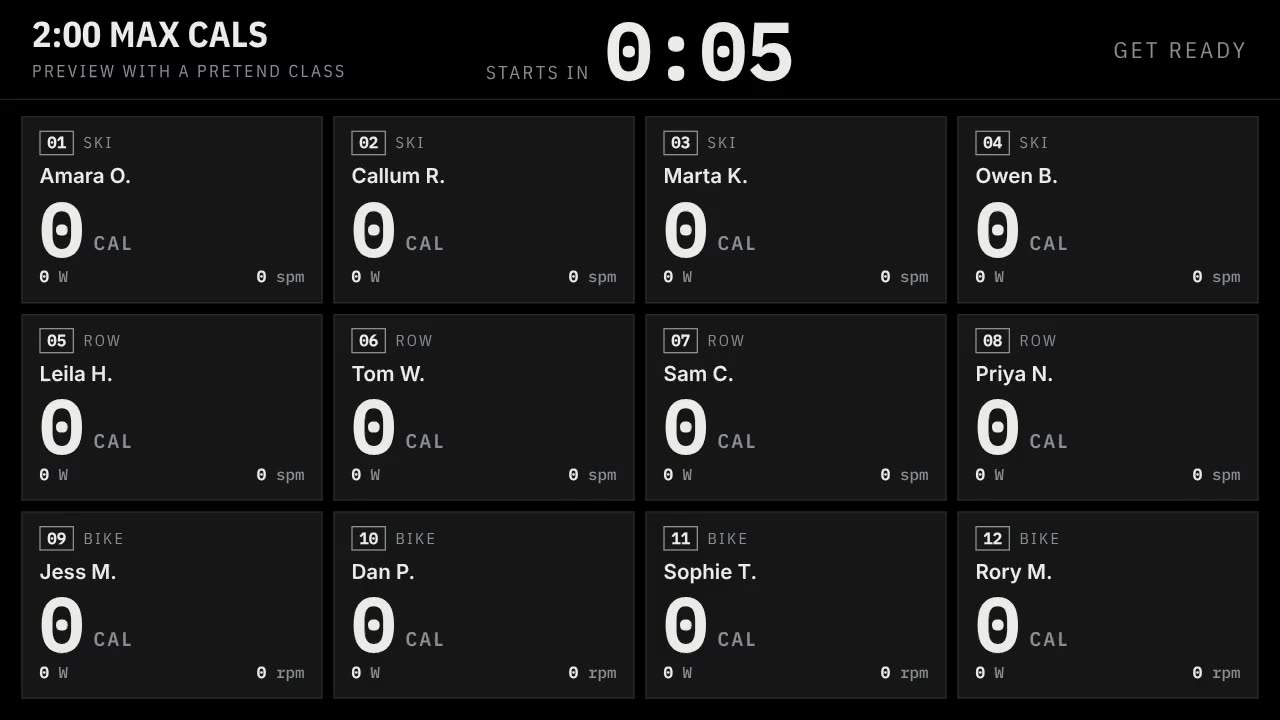
2:00 max cals
The TV counts the class in, then every square goes live together on one clock.
03The ERGRUN Race Hub
One small box runs the whole floor.
Plug it in near your ergs and it joins your gym Wi-Fi. Its dongles pick up every PM5 over Bluetooth, with no cables across the floor, and every erg goes live on your TV.
In the box
- The ERGRUN Race HubSet up for your gym before it leaves us.
- 4 Bluetooth donglesOne in each of its sockets. Each takes up to 8 ergs, so one Race Hub runs up to 32.
- Power lead and micro-HDMI to HDMI leadOne for the mains, and one straight into your TV.
- ERG LabelsSki, Row and Bike, numbered, so every erg shows its lane.
On your Wi-Fi
Give us your Wi-Fi at sign-up and it arrives ready to join. Change it any time from Setup on your phone.
Straight to the TV
The HDMI lead takes the class screen from the Race Hub to your TV. Any other screen in the gym can join from its browser.
Holds the ergs
The Race Hub keeps the ergs connected, so any coach can run the class from any phone, tablet or laptop.
04Setup
From the box to your first class.
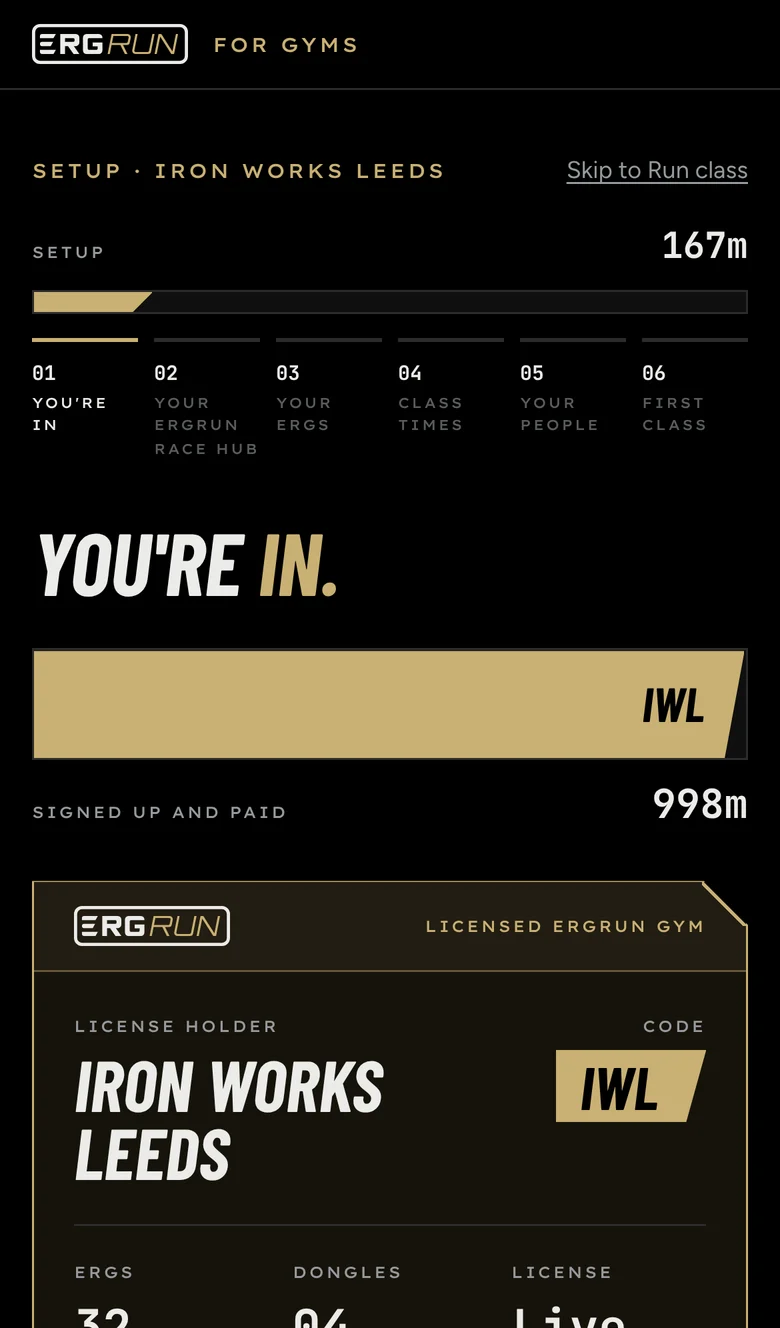
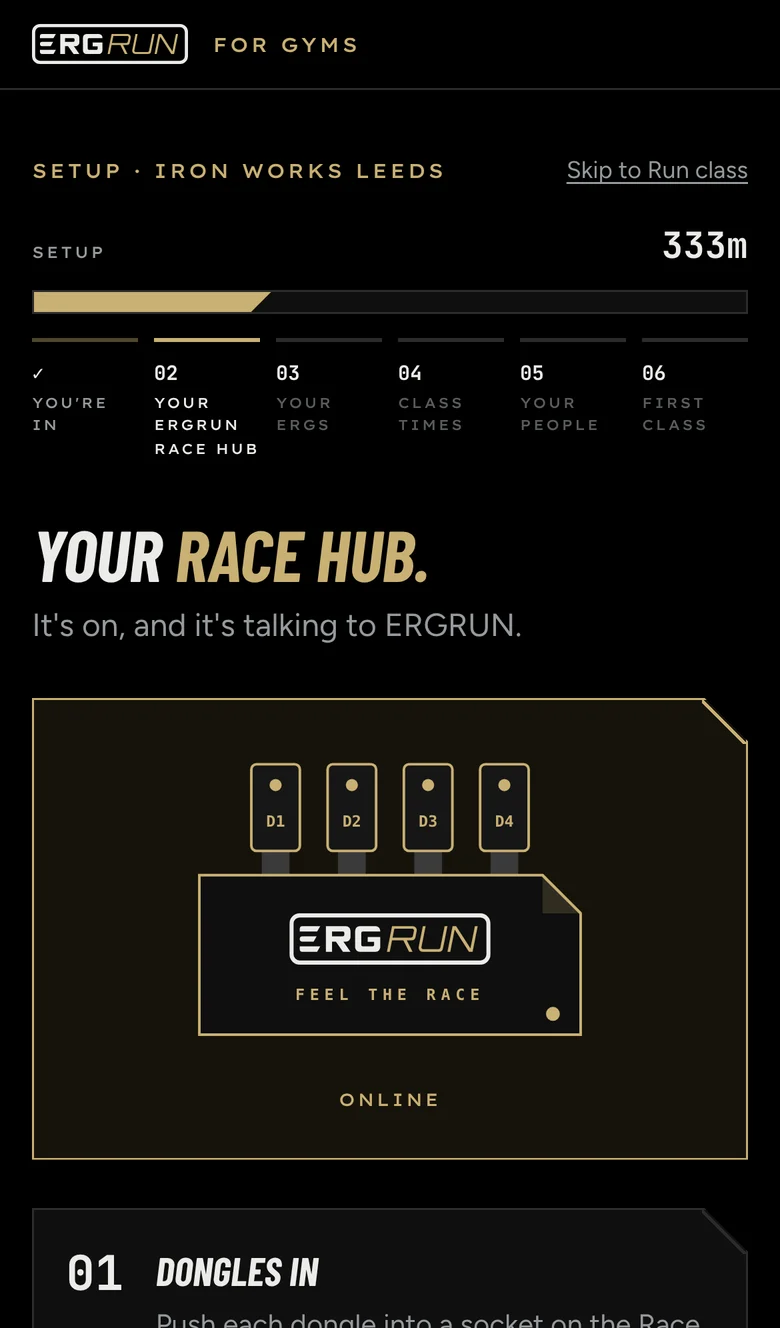
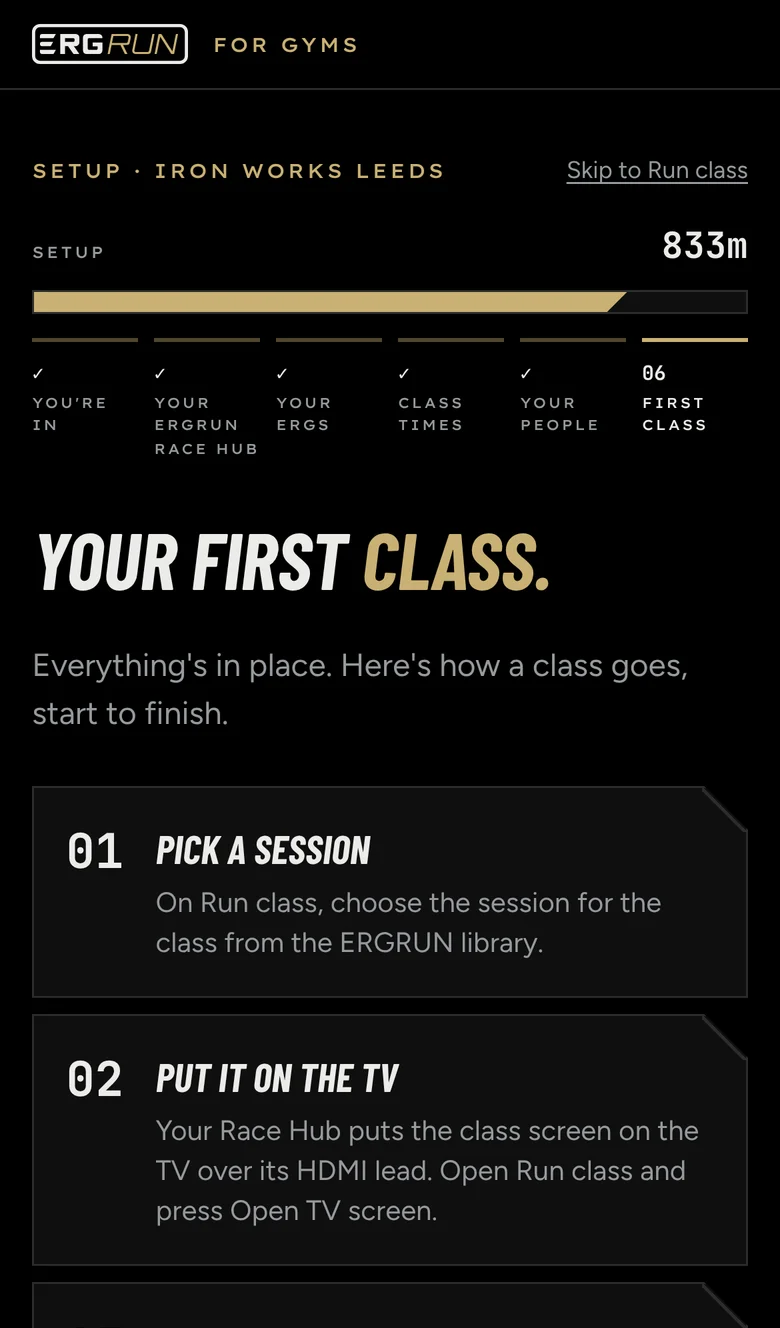
Setup walks you through six steps on your phone, and the bar rows on metre by metre as you go. Stuck on anything? Press Help and ask. It knows your gym's setup.
01You're in
Your ERGRUN Gym License card, your gym code and your plan.
02Your ERGRUN Race Hub
Dongles in, Wi-Fi set, power on. The page turns gold when it's online.
03Your ergs
Stick on the ERG Labels and check every erg shows up.
04Class times
Add your timetable so members can book.
05Your people
Import your members and give your coaches their own sign-in.
06First class
A walk through your first class, start to finish.
05Run class
Coach the room. Your phone does the rest.
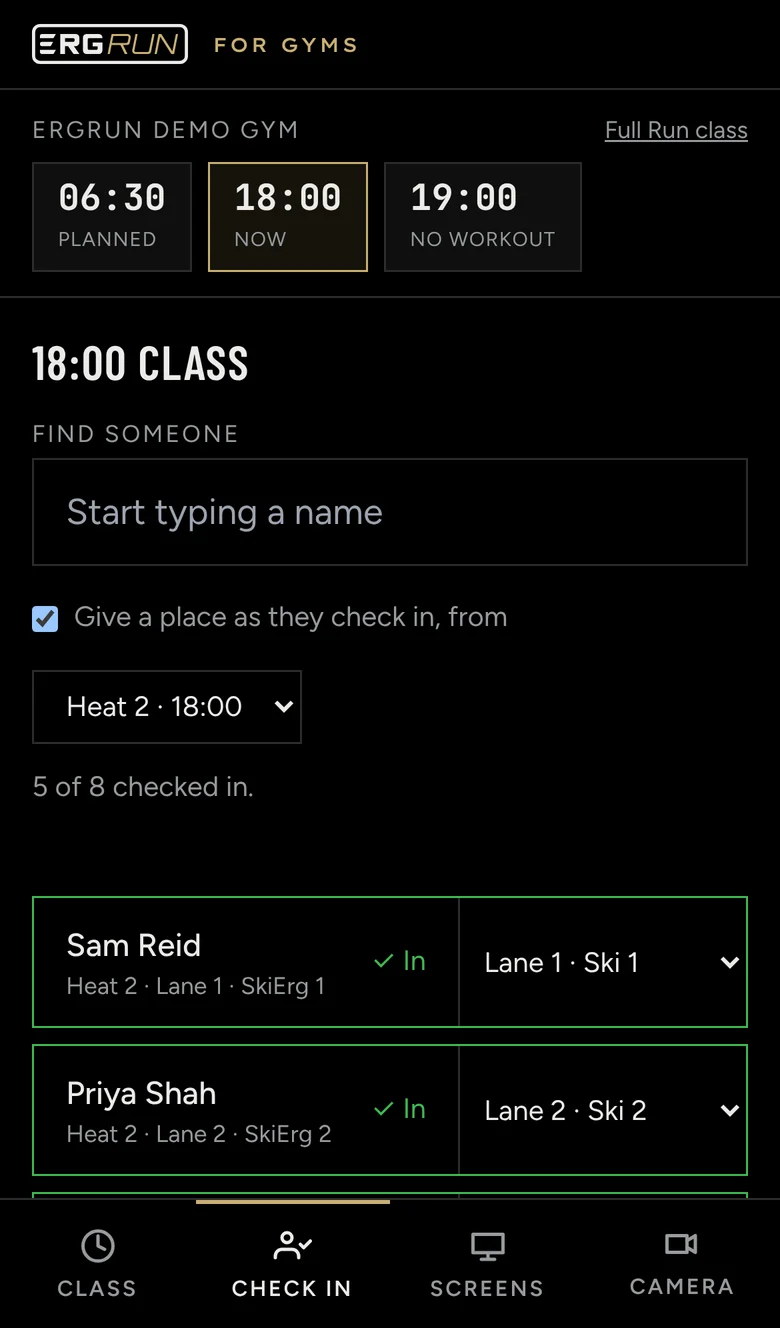
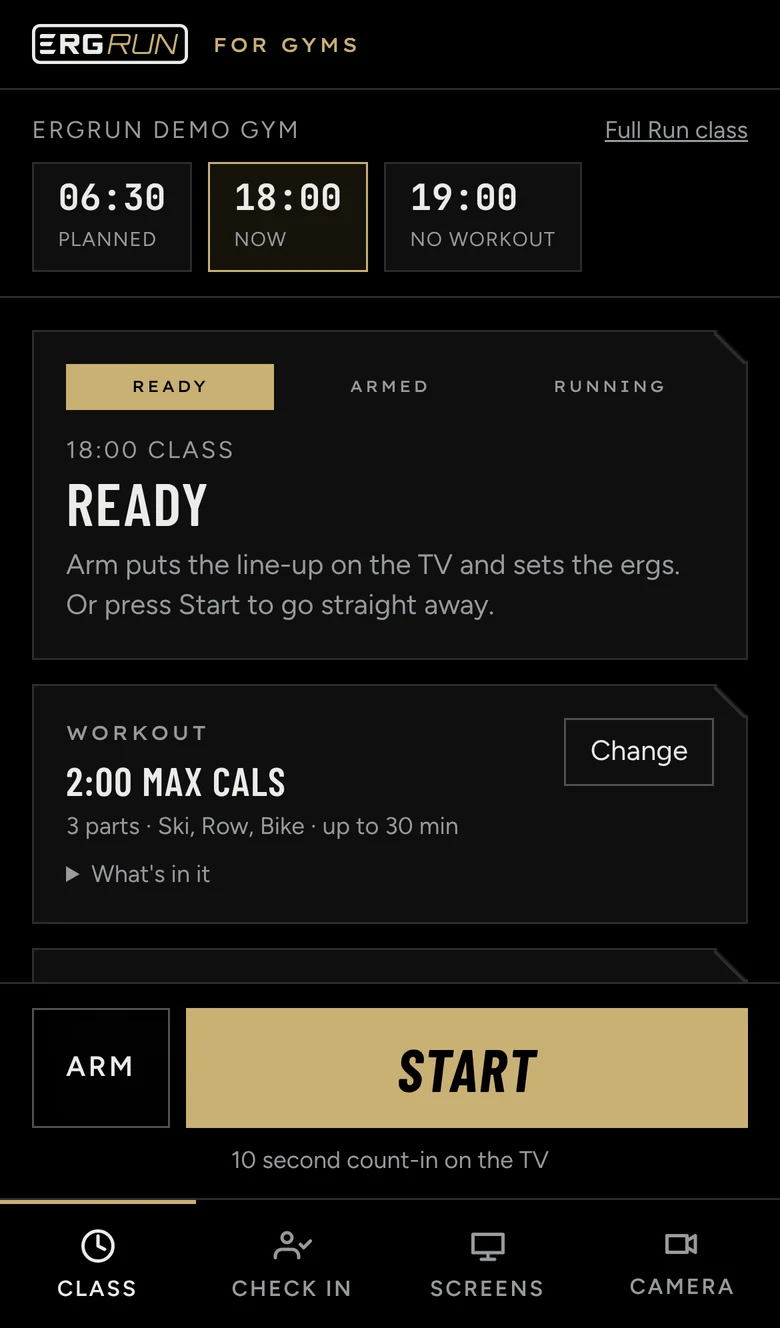
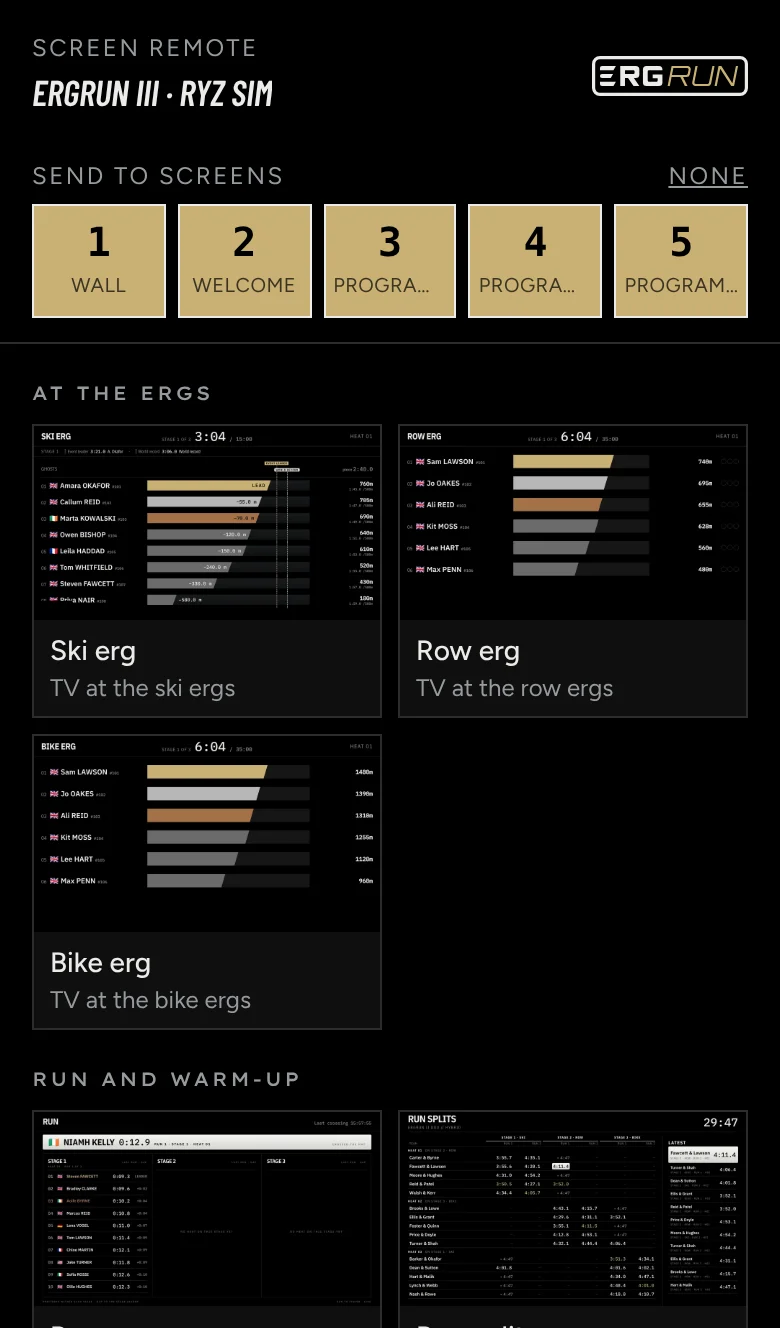
Run class is a remote for the whole session. Check people in at the door, start the class from the floor and choose what every screen in the gym shows.
06Your gym dashboard
See your gym getting better.
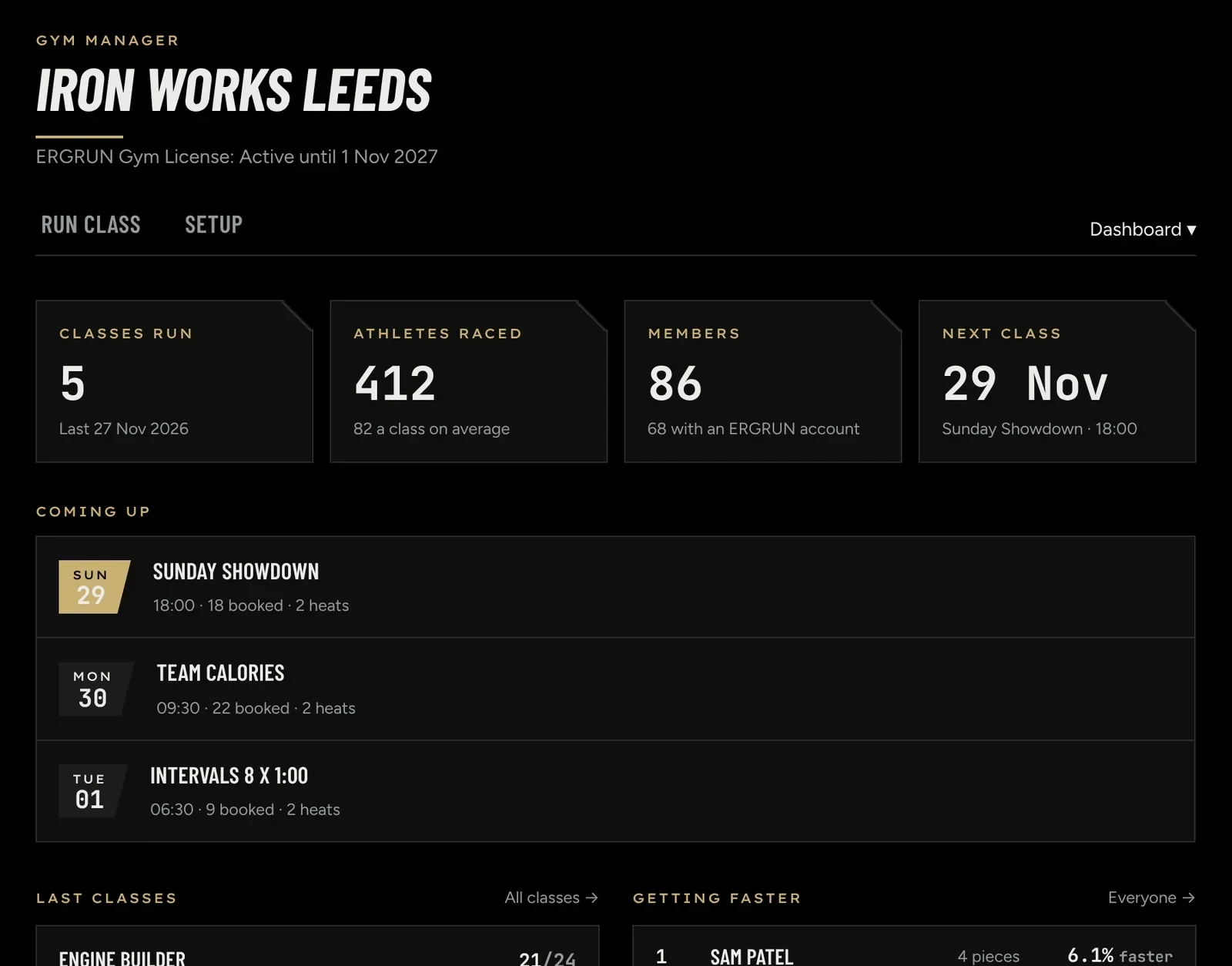
Classes, members and progress on one page, the moment you sign in.
At a glance
Classes run, athletes, members and your next class, with the week ahead and how full each class is.
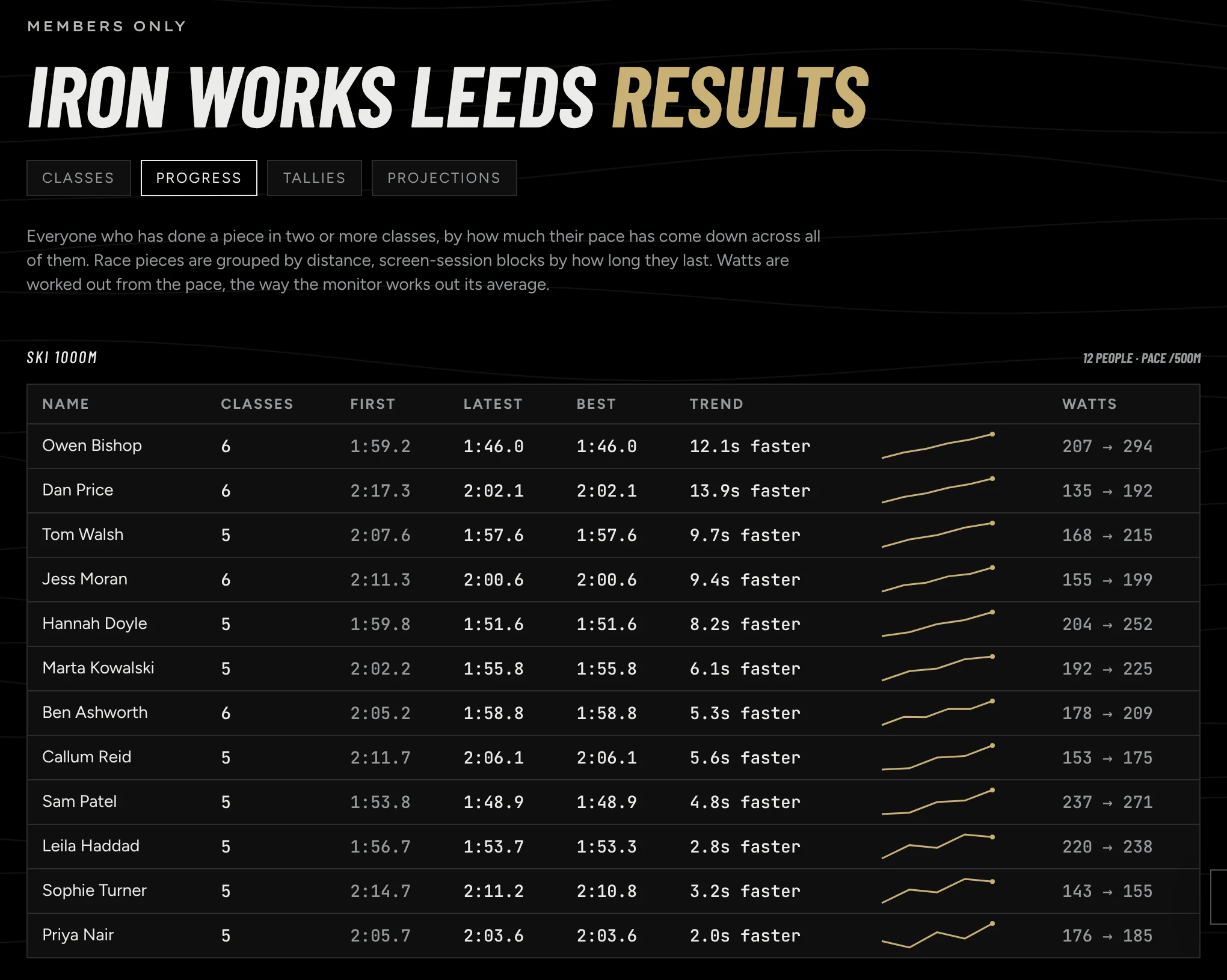
Getting faster
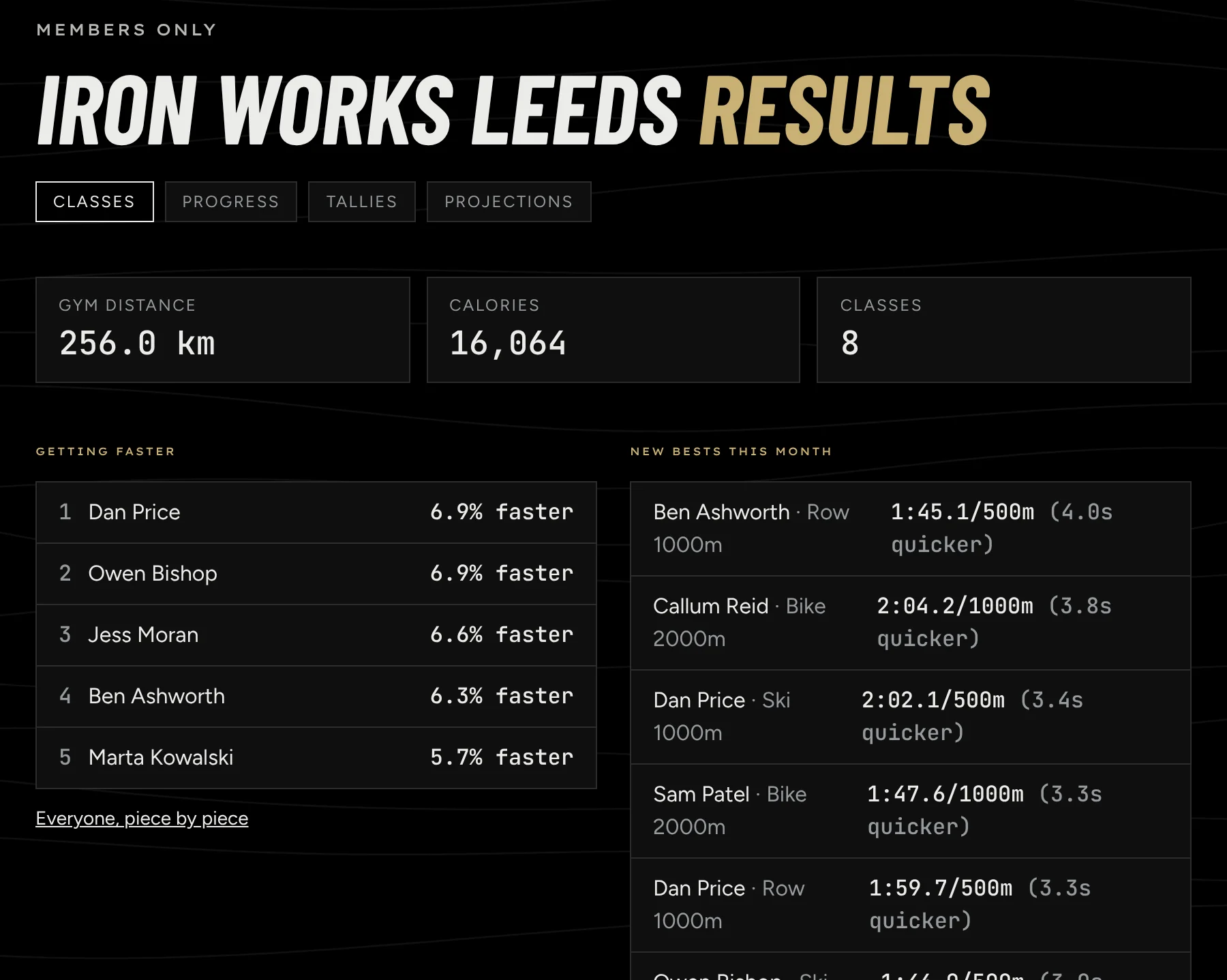
Who has improved most over their last pieces, so you can call it out in class.
Regulars
Your most loyal members, ranked by classes, with when they last came in.
Members
Import your list once. Their times link to their ERGRUN profile.
Your team
Give your coaches their own sign-in to run classes.
07What you need
Your ergs, your Wi-Fi and a TV.
The ERGRUN Race Hub comes with your license. Then run every class from your phone, a tablet or a laptop.
Concept2 ergs
SkiErg, RowErg and BikeErg with PM5 monitors. As many as you have, up to 32.
Wi-Fi and a socket
Wi-Fi that reaches where the Race Hub sits, and a mains socket near your ergs.
A TV
Any TV with an HDMI socket. The Race Hub plugs straight in.
08The license
ERGRUN Gym License.
£499per year
Everything on this page, for your gym, for twelve months. Plus £299 once for your ERGRUN Race Hub and its 4 dongles, sent to your door.
From sign-up to your first class
- 01Buy your ERGRUN Gym LicenseSign up online. Your license starts the same day.
- 02Receive your ERGRUN Race HubSet up for your gym and sent to your door.
- 03Set upPlug the Race Hub into your TV and pair your ergs. Setup walks you through it on your phone.
- 04GoPick a session and run your first class.
- Every session in the ERGRUN library
- New sessions every month
- The ERGRUN Race Hub, set up for your gym
- Run class from any phone
- Class screen and erg timing
- Gym dashboard and members
- Results on members' profiles
- Coach packs and explainer videos
Want an official ERGRUN race day at your gym instead? Host a race.